 ClockWork manual
Role J
Every employee
What everyone who works in the business can do in ClockWork for themselves.
J.1My HR
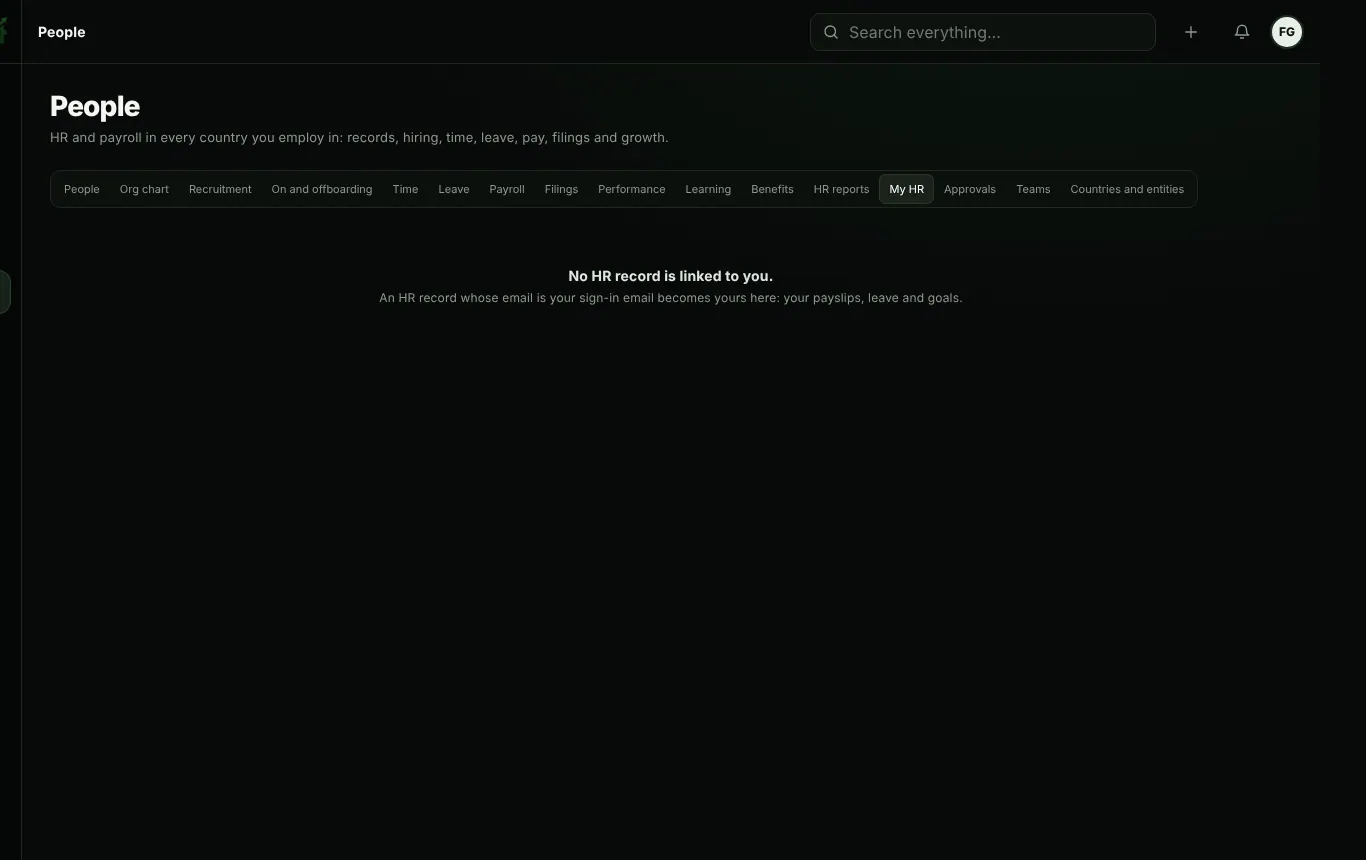
- Sign in to ClockWork with the email that is on your HR record and open People, My HR.
- See your payslips for each posted pay run, your leave balance and requests, and your goals.
- Choose Request leave to ask for leave: the kind, the dates and a note. Your manager or HR approves it.
If My HR says no HR record is linked to you, ask HR to put your sign-in email on your record as your work email.
J.2Logging time
If you work on projects, log your hours on the project each day or week. Your hours count towards overtime where your contract pays it.