 ClockWork manual
Chapter 6
Projects and Agile
Projects, tasks on an agile board, sprints, and time and cost.
6.1Projects
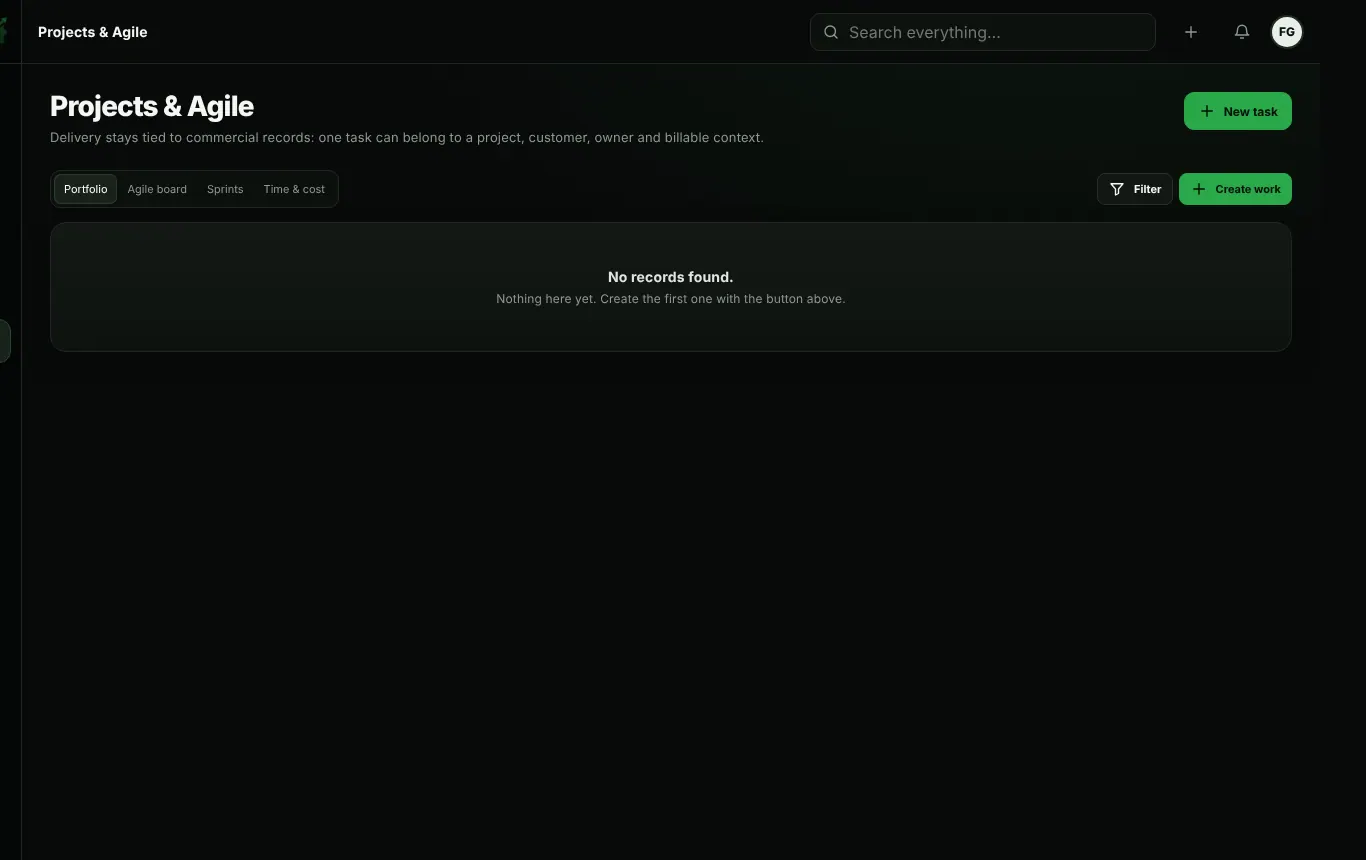
A project connects delivery to a customer. Make one from +, New project: the Project name, the Client, the Lead and the Status (Planning, Active and so on), with its budget and dates.
6.2Tasks and the agile board
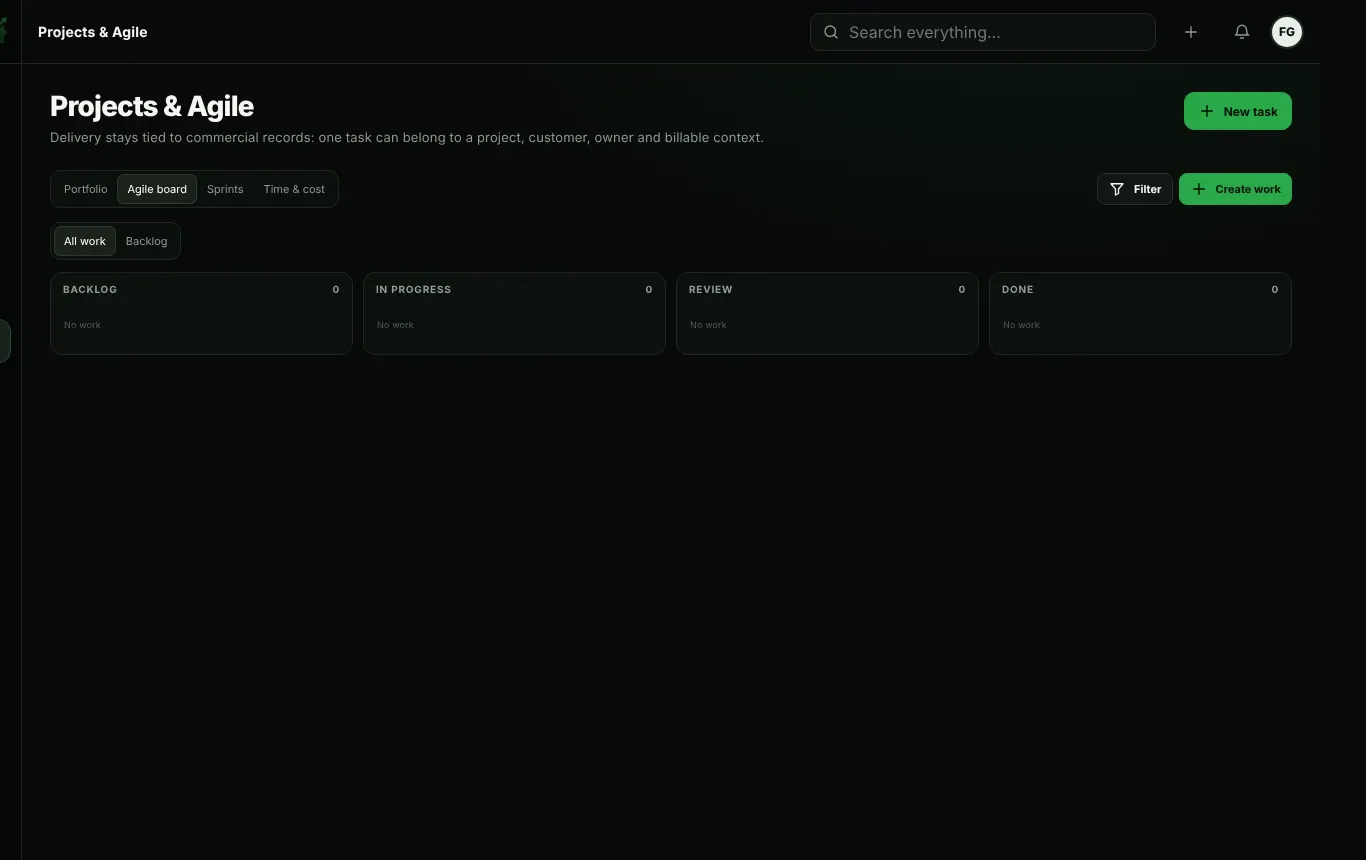
- Choose New task: the Project, the Task title, the Stage (Backlog, In Progress, Review, Done), the Priority, the owner and the due date.
- Move a task across the board as work goes on by opening it and changing its stage.
- All work and Backlog switch between the whole board and the backlog alone.
6.3Sprints
- On the Sprints tab, choose Create work for a new sprint: the Sprint name, the Project, when it Starts and Ends, and its Goal.
- Add tasks to the sprint from each task's record.
6.4Time and cost
Log time on a project from its record (Log time): the person, the date, the hours and whether it is billable. The Time & cost tab totals hours and cost per project; billable time can be invoiced to the project's client, and hours feed People, Time for overtime.