 ClockWork manual
Chapter 8
Reports
Financial statements, aged balances, the VAT return and sales performance.
8.1The reports
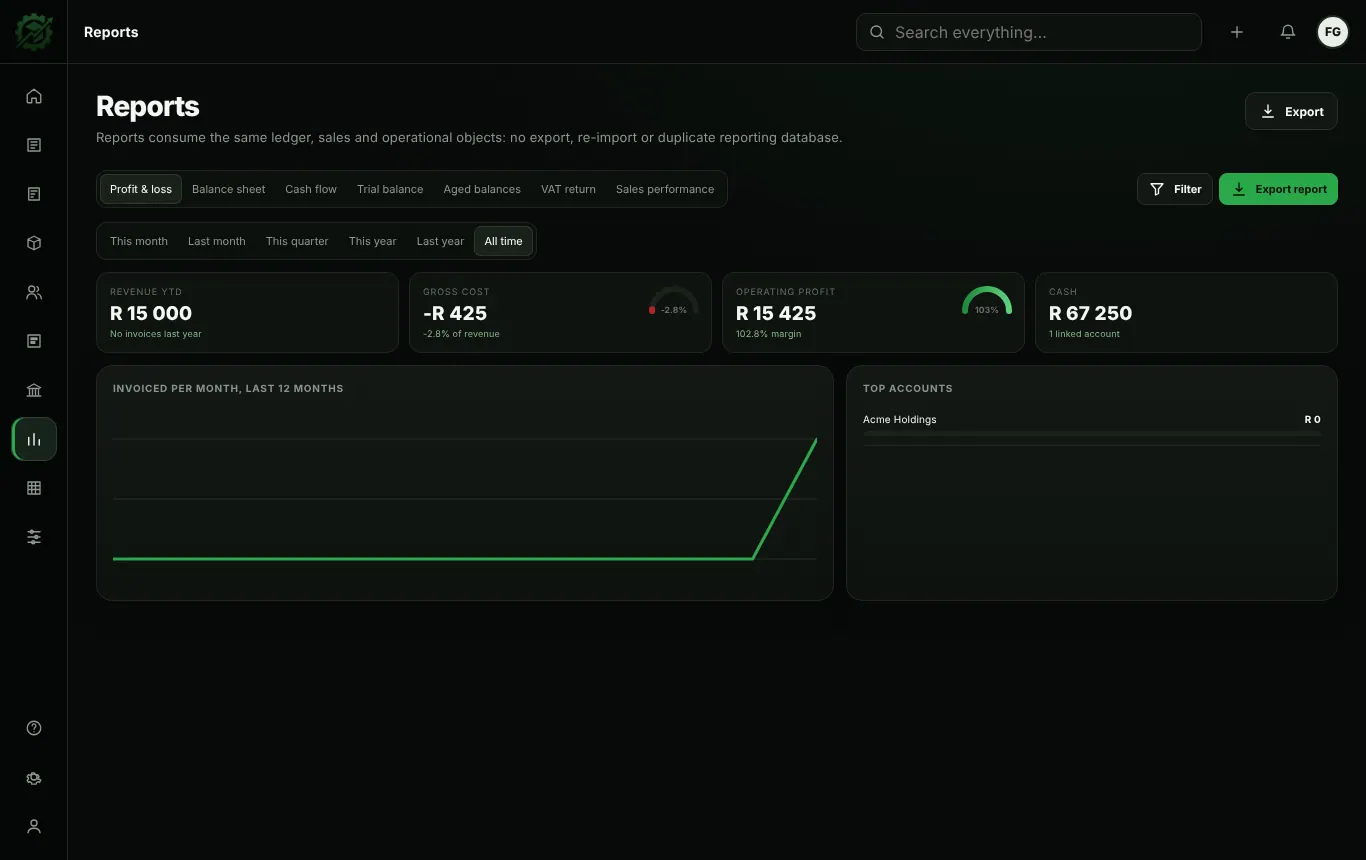
| Report | What it shows |
|---|---|
| Profit & loss | Income less cost of sales and expenses for the period. |
| Balance sheet | Assets, liabilities and equity on a date. |
| Cash flow | Money in and out by activity. |
| Trial balance | Every account's debit and credit balance; the two columns are equal. |
| Aged balances | What customers owe and what is owed to suppliers, by how overdue it is. |
| VAT return | Output VAT on sales, input VAT on purchases and the VAT payable for the period. |
| Sales performance | Sales by customer, owner and period. |
Choose the period with This month, Last month, This quarter, This year, Last year or All time. Export report saves the report as a file; the browser's print gives a paper copy.
8.2Filing the VAT return
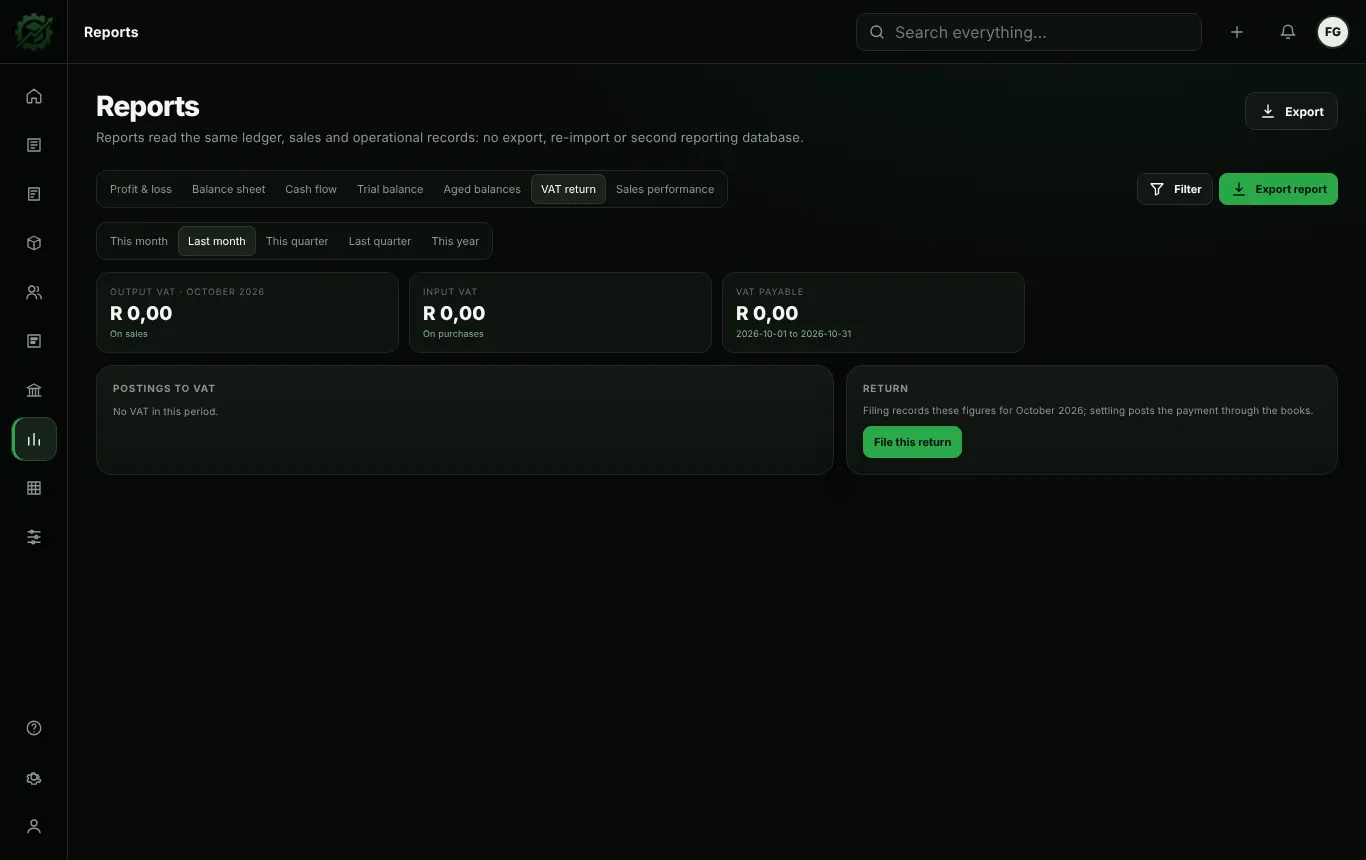
- Open Reports and choose VAT return.
- Choose the period (for example Last month). Check the output VAT, input VAT and VAT payable, and the postings behind them.
- Submit the return to the tax authority, then choose File this return in ClockWork. Filing records these figures for the period; paying the VAT is posted through the books when it is paid.